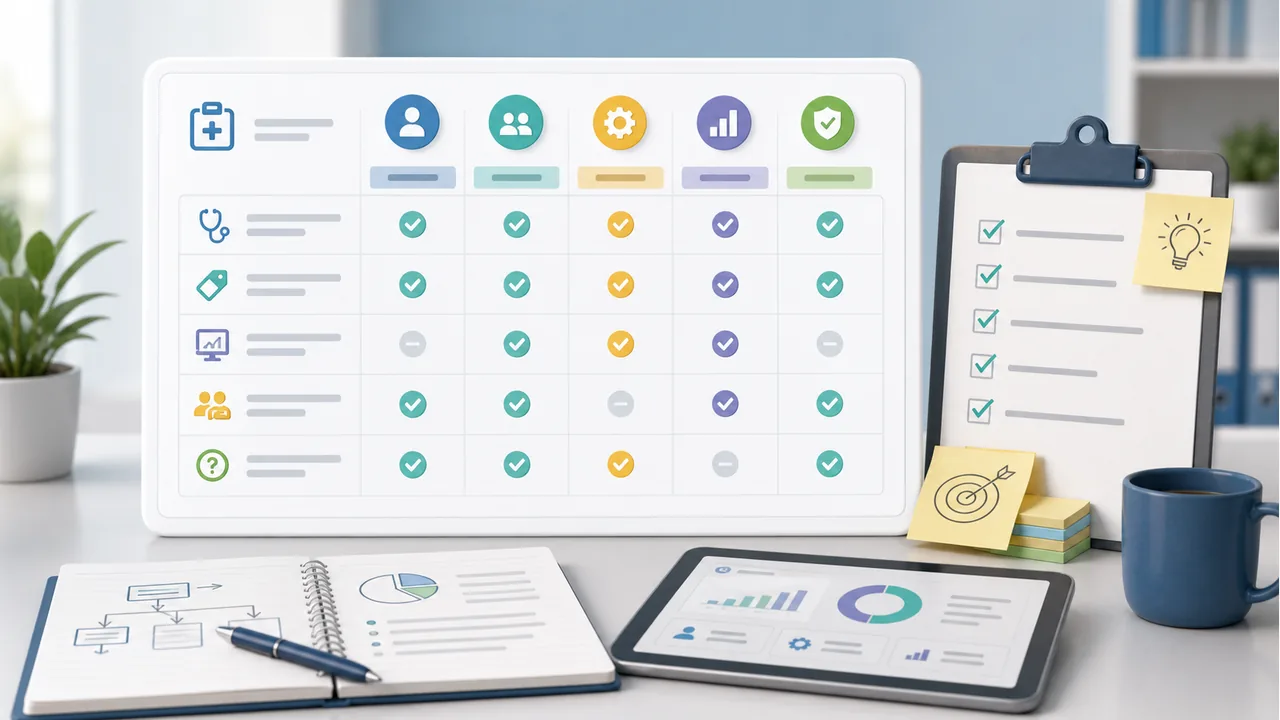
What to decide first
- Which EHR or practice management system your team uses today
- How encounters, charges, payments, denials, and documents move through the system
- Which system access your team is willing to provide
- Which reports and escalation paths you need after billing work begins
EHR compatibility checklist
Treat public software mentions as shortlist clues, then verify the actual workflow with each vendor.
- System access
- Who logs in, what permissions are needed, and how access is removed later.
- Data handoff
- How charges, payments, denials, missing notes, and exceptions move between teams.
- Reporting
- Which reports show claim status, AR, denials, payment posting, and unresolved questions.
- Fallback path
- What happens if the vendor does not commonly support the current system.
Start With Your Current Workflow
Software fit is more than a vendor recognizing an EHR name. The billing company needs a workable path for charges, claim edits, payment posting, denials, missing documents, and reporting.
- List your EHR, practice management system, clearinghouse, patient payment tools, and reporting tools.
- Document how charges are created, reviewed, submitted, corrected, and followed up today.
- Identify which steps are slow, manual, or dependent on one staff member.
- Ask vendors to explain the workflow they would use with your current systems.
Ask How Data Moves
A vendor can support billing without a direct integration, but the handoff needs to be clear. Compare how each company receives information and how exceptions come back to your team.
- Do you work directly inside our EHR or practice management system, or do you need exports, files, or portal access?
- How are missing notes, coding questions, rejected claims, and payer requests sent back to our team?
- Who posts payments and how are adjustments, refunds, and patient balances handled?
- What happens if our system is not one your team commonly uses?
Compare Public Software Signals
Medical Billing Vendor Guide records EHR and software mentions when they are visible in reviewed public sources. Treat those mentions as shortlist clues, not proof that a vendor can support your exact setup.
- Use provider profiles to look for named EHR or practice management systems.
- Check whether the profile has enough source-backed detail to justify a vendor call.
- If a software field is blank, ask the vendor directly instead of assuming incompatibility.
- Prioritize vendors that can explain both software access and billing workflow ownership.
Clarify Access And Reporting
System access creates operational and privacy responsibilities. Keep the question practical: who needs access, what they can do, and how work will be reviewed.
- Which team members need access and what permission level do they require?
- How is access changed when vendor staff or practice staff change?
- Which reports will show claim status, denials, AR aging, payment posting, and unresolved questions?
- Who reviews those reports with the practice and how often?
Use The Same Questions With Each Vendor
Software-fit conversations are easier to compare when every vendor answers the same questions.
- Which EHR and practice management systems do you currently support?
- How many clients use a workflow similar to ours?
- What does implementation require from our team before the first claim is submitted?
- What reports and escalation paths are included after go-live?